
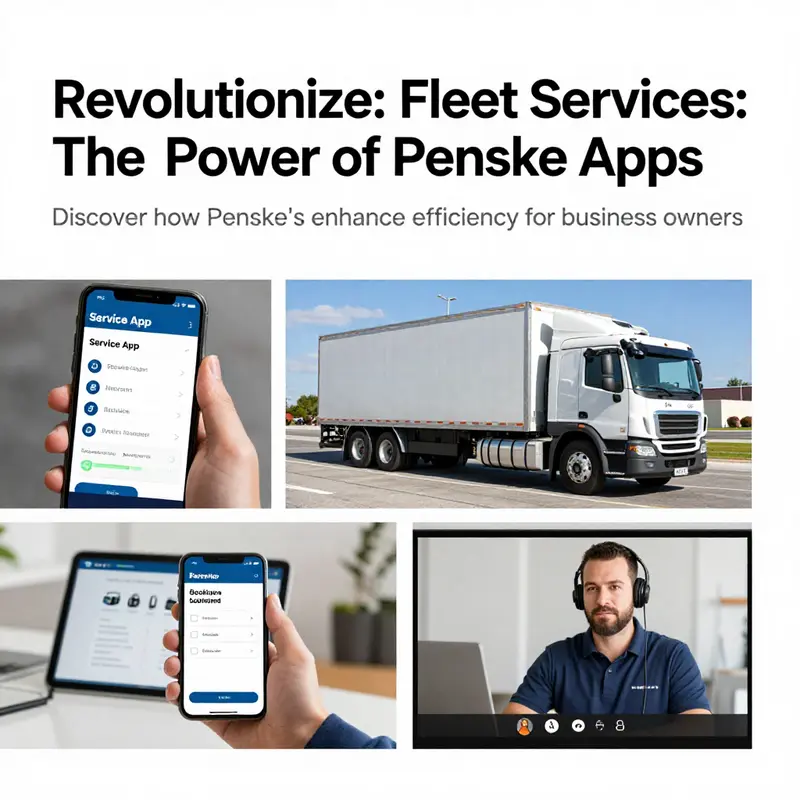
For business owners managing fleets and customer logistics, the right tools can make all the difference. Penske offers a suite of applications tailored to various needs, including roadside assistance, vehicle rentals, and fleet communication. Each app is designed to drive operational efficiency while enhancing customer service. In this article, we will explore three key applications: the Penske Service App for roadside efficiency, the Penske Truck Rental App for streamlined vehicle rentals, and the Penske Quick Connect for optimized fleet management and communication.
Real-Time Roadside Mastery: How the Service App Transforms Technician and Driver Coordination
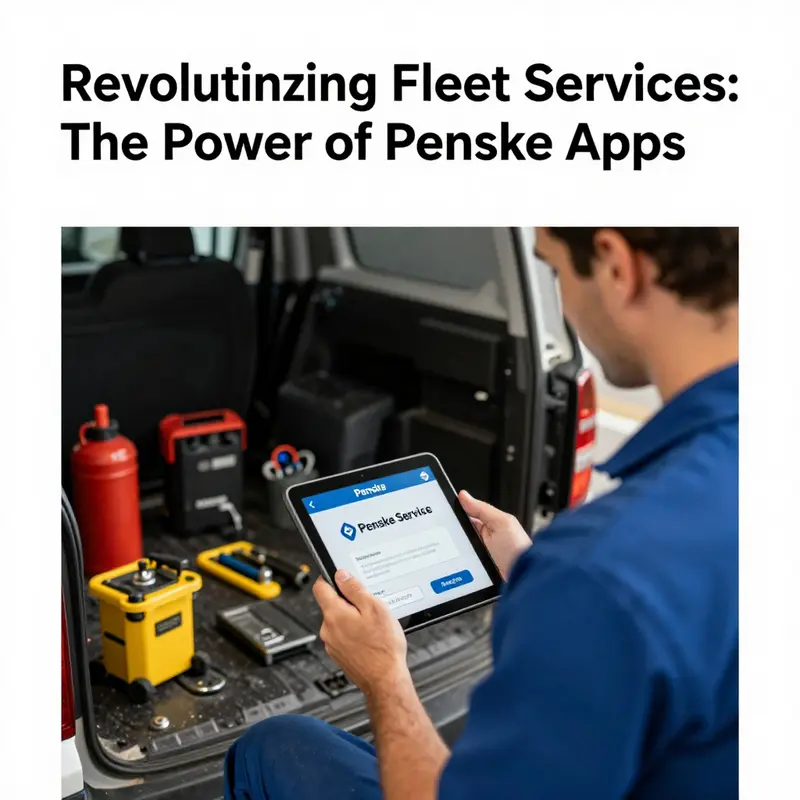
Real-Time Roadside Mastery begins with a simple premise: in the moments when wheels fail and the clock becomes a force, the quality of information can decide whether a breakdown becomes a temporary setback or a seamless recovery. The service app, designed for field technicians and dispatch teams, embodies this principle. It is not a stand-alone gadget but a central node in a larger ecosystem of roadside support. By enabling technicians to enter real-time status updates during a 24/7 road call, the platform creates a living, breathing record of every step from breakdown to resolution. The result is not only faster fixes but a transformation in how teams communicate, how drivers perceive delays, and how leaders gauge performance. The road, once a theater of uncertainty, becomes a managed, navigable space where data, location, and time converge to guide every decision with clarity.
At its core, the app is built around real-time status updates. A technician on the scene can shift a road call from one status to another as the situation unfolds, without waiting for a formal handoff or a cascade of messages. This immediacy is crucial because every change—an updated breakdown location, a revised ETA, or a new assessment of the repair’s progress—has downstream effects across the service chain. The driver awaiting assistance benefits most directly: real-time visibility means less time spent on the shoulder, less guesswork, and less anxiety about whether help is en route. The fleet manager gains confidence too, as the data feed from the technician gives a transparent picture of what is happening, when it happened, and what remains to be done. In practical terms, that transparency manifests as a common, continuously updated picture of the job, reducing the long cycles of back-and-forth that used to drain both time and credibility.
The richness of a road call record grows with its level of detail. The app provides access to detailed road call reports that capture breakdown location, unit details, service history, and contact information. This is not merely a log; it is a diagnostic mini-archive that supports both immediate action and post hoc analysis. Technicians can reference previous interventions at the same site, verify whether similar incidents have occurred, and alert the next technician to any quirks specific to the location or vehicle. The centralized road call listing stage is where the organization’s collective memory is stored, allowing dispatchers and field teams to reference ongoing or recently closed calls with a few taps. In a world where a mislocated GPS pin can waste critical minutes, the ability to switch between a map view and a listing view, while preserving a clear audit trail, becomes a strategic advantage. This single-source visibility is particularly valuable when multiple calls converge at a single location, or when a driver is juggling more than one task at a time.
Integral to this capability is the mechanism of multiple status options, including ETA. The status taxonomy is not arbitrary; it is designed to reflect the realities of field work. A status might signal arrival, in-progress repair, parts on the way, or a tentative completion window. Each selection synchronizes across Penske’s systems, ensuring that every stakeholder operates from the same clipboard, even if they are geographically dispersed. The ETA field, in particular, moves beyond a single timestamp; it becomes a dynamic commitment that adapts to new information as the scene evolves. When a technician updates ETA, the new expectation cascades through the driver’s navigation, dispatch scheduling, and customer communications. No longer are drivers left waiting blindly; they receive timely cues that recalibrate their routes and expectations. The result is a tighter, less anxious workflow, where the driver’s trust in the process rises in parallel with the technician’s sense of control.
GPS integration is another pillar of the service app’s effectiveness. Real-time GPS visibility provides a live thread of movement that connects the technician’s location to the driver’s location, to the dispatch terminal, and to the customer’s perspective. This continuous geospatial footprint reduces the guesswork that often plagues roadside operations. If a delay occurs or a road condition changes, the updated GPS trail communicates that reality in a way that a text message or a phone call could never fully convey. The driver’s line of sight expands from a single street address to an evolving map of where the service is now and where it will be next. The human benefit of this capability should not be underestimated: it diminishes the anxiety that accompanies a tow or repair in a unfamiliar or high-traffic area. The driver can see progress in near real time, which makes the wait feel predictable rather than improvised.
Push notifications are the bridge between field activity and on-the-ground decision making. When a road call location shifts, or when a task is canceled, the service app delivers immediate alerts to the relevant technicians and, through the system’s wider channels, to the driver and dispatch. These prompts are more than reminders; they are rapid middleware that minimizes disruptions to the larger operation. A technician who receives a notification about a location change can re-route the team’s resources, adjust the plan, and communicate the new arrangement in one fluid motion. The driver, in turn, benefits from reduced uncertainty and a clearer sense of trajectory, which translates into safer, more efficient behavior on the road. The dispatch function, which often balances competing demands across multiple calls, gains a powerful tool for maintaining control without burning bandwidth on constant status checks.
To understand how these features translate into real-world impact, it helps to look at the practical implications for three stakeholders: the service technician, the driver, and the operations manager. For the technician, the app is a portable command center. It consolidates what used to be scattered notes, disparate messages, and incomplete documentation into a single, coherent narrative of the job. The act of updating status becomes part of the workflow rather than an afterthought. This shift elevates professional accountability and creates an evidence trail that can be consulted later for quality assurance and continuous improvement. For the driver, the app translates into a more predictable intervention. The presence of precise ETAs, real-time progress, and a reliable communication channel reduces idle time on the roadside and leaves less room for misinterpretation. The driver’s cognitive load decreases as the system bears the burden of coordination, enabling safer driving and better focus when approaching the assistance site. For the operations manager, the value is in the data purification and scalability. A centralized, up-to-date view of all calls across the network reduces the cognitive load of juggling disparate information streams. It also enables smarter scheduling, more accurate resource allocation, and the ability to identify bottlenecks or recurrent trouble spots that deserve process refinement or investment—whether that means stocking more parts in certain regions, adjusting technician training, or reconfiguring the route planning logic.
The user experience of the service app is designed to be accessible yet powerful. Technicians carry the responsibility of inputting events as they unfold, but the interface is crafted to support quick, reliable entries in challenging field conditions. The app supports photo uploads and attachment of notes to road calls, a feature that proves invaluable for documentation and post-action review. A photo of a damaged component, a roadway obstruction, or a performed repair can make the difference in a customer’s understanding of what happened and why the service team chose a particular course of action. Those visual records feed into the broader service history, enriching the organization’s ability to detect patterns and educate teams about best practices. The centralized listing makes it straightforward for supervisors to scan multiple calls, filter by location or vehicle type, and re-prioritize work as needed. Even when crews are spread across wide geographies, the app’s consolidated view fosters a sense of coherence that would be hard to achieve through fragmented channels alone.
Amid these capabilities, performance and reliability remain essential. The latest version update, dated toward the end of 2025, reflects a deliberate focus on stability and security. By optimizing performance and addressing vulnerabilities, the developers have strengthened the app’s resilience against the kinds of issues that can derail field operations in the middle of a busy shift. The result is a more dependable tool that technicians can trust when they are under pressure, which, in turn, supports more consistent outcomes for drivers and customers. It is not glamorous software polish; it is the quiet reinforcement of a system that must perform under stress, where a single stable tap can preserve minutes, reduce errors, and lower risk for everyone involved.
Within the broader service landscape, this app sits among a family of Penske-branded solutions that together support customers, fleets, and service partners. The service app is the technician’s instrument for real-time field execution, while the other offerings in the suite extend capabilities to customers seeking rental experiences, teams coordinating across devices, and drivers who must comply with electronic logging requirements. The architecture emphasizes seamless handoffs across roles and devices, so that a single road call never becomes a patchwork of misaligned data. When a technician updates a status and uploads a photo, that information flows toward dispatch, aligns with GPS traces, and becomes part of the customer-facing narrative through the appropriate channels. The design philosophy centers on reducing friction, promoting visibility, and enabling all participants to act with confidence, even when time is tight and the road ahead is uncertain.
For readers who want to situate this service app in a broader context, a nearby resource highlights how Penske has framed roadside support as an ecosystem rather than a single tool. Penske roadside outlines the philosophy of integrating services, technology, and people to create a coherent experience for customers, technicians, and drivers alike. Exploring that resource provides a complementary lens on how the service app fits into the larger narrative of field service efficiency and customer satisfaction. See Penske roadside for a deeper look at the broader roadside support approach.
The practical takeaway from this integrated system is clarity. Real-time status updates, detailed road call records, centralized listings, flexible status options with ETA, GPS visibility, and push notifications work together to create a robust, responsive, and scalable solution. They enable the workforce to move as a cohesive unit rather than as a series of isolated efforts. The tech stack supports rapid adaptation—whether it is a new location, a sudden weather change, or a shift in the customer’s priorities—without sacrificing the accuracy of information or the speed of action. In this sense, the service app does more than manage a single task; it orchestrates a small, critical ecosystem that keeps the wheels turning smoothly even when the road surface is uncertain and the clock is unforgiving.
In closing this exploration, the service app emerges not as a gadget but as a strategic instrument. Its value is measured not only by the speed of a repair but by the quality of the decision trail it creates. By equipping technicians with the ability to capture real-time data on site, by giving drivers a transparent picture of what lies ahead, and by providing managers with a reliable, auditable feed of activities, the platform supports a culture of accountability and continuous improvement. It makes the road feel less like a battlefield and more like a well-coordinated operation, where every move is visible, every update is purposeful, and every partner—technician, driver, dispatcher, and customer—shares a common understanding of how best to respond when a vehicle stalls, a part is needed, or a route must be adjusted. The result is not merely efficient service; it is a refined, trust-building experience that carries through to customer satisfaction, repeat business, and a stronger competitive position in a demanding market. To explore related aspects of this ecosystem, readers can refer to the Penske roadside resource that maps out how these tools intersect with broader service goals: Penske roadside. For more technical and user-oriented context, the external resource offers direct insight into the service app’s presence in app stores and its published capabilities: https://apps.apple.com/us/app/penske-service/id1508799364
Mobile Moves Made Simple: How the Penske Truck Rental App Streamlines Every Step of Your Rental Journey
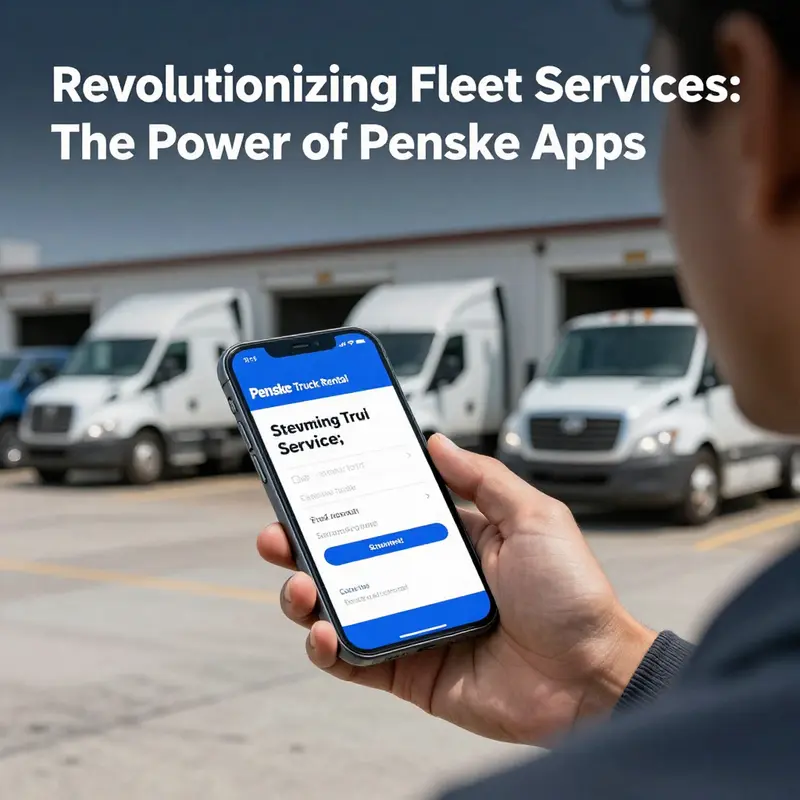
A single app that coordinates quotes, reservations, roadside help and trip logistics changes how people plan moves. For anyone renting a truck, the app removes friction at critical moments: when you need a quick price, when plans shift on moving day, and when compliance or documentation matters for commercial drivers. This chapter follows the rental journey through the app, showing how its features tie together to create a predictable, efficient experience for individual customers and professional drivers alike.
From the moment a customer opens the app the experience centers on speed and clarity. A compact quote flow asks a handful of questions and returns availability and pricing without requiring long forms. That immediate feedback reduces the uncertainty that usually stalls a booking. Users can see location options near them, vehicle sizes and key details such as cargo capacity, so decisions happen faster. The reservation step keeps complexity out: choose a date and time, confirm the pickup location and payment method, and the booking is saved to the app. Confirmations are visible instantly and include reminders, checklists and directions to the pickup lot.
Underpinning this simple front-end is an integration with a broader digital ecosystem. When a reservation is made, the app syncs with backend systems so inventory, pricing and location hours reflect current availability. This reduces double-bookings and avoids surprises at pickup. For ongoing rentals the app becomes the operational hub: customers can view reservation details, change pickup or drop-off times, add protection options, and upload or submit fuel receipts digitally. That last feature streamlines expense tracking. Instead of keeping paper receipts in a glove box, drivers photograph receipts and attach them to the reservation. Those images travel with the record, making reimbursement or expense reconciliation straightforward.
A strong benefit of a connected mobile experience is real-time status updates. The app surfaces ETA changes and notifies users when their reserved vehicle is ready. If a lot is closed or a vehicle requires maintenance, push notifications alert renters immediately with alternatives. Those notifications reduce time spent waiting at the rental facility and turn what could be a frustrating delay into a manageable reroute. The app’s location services also help users find nearby fueling stations, service centers and parking spots, which is especially useful on long trips or in unfamiliar cities.
For professional drivers, the ecosystem extends into compliance and operational tools. While the rental app itself focuses on reservation and trip support, it works closely with a driver-focused log and inspection application. Together, they cover regulatory needs and day-to-day operational requirements. Drivers can access electronic vehicle inspection reports, log hours of service, and initiate roadside assistance directly through linked apps. This alignment reduces the need for multiple disconnected systems and helps fleets remain compliant with electronic logging rules. When a driver reports a vehicle issue, the connected workflow lets maintenance teams receive detailed information, including photos and inspection data, so repairs initiate faster.
The app’s roadside assistance integration is another essential element. A 24/7 support channel is available from within the app, letting users request help and receive status updates without hunting for phone numbers. Users see whether a technician is en route, the estimated arrival time, and the nature of the assistance being dispatched. For commercial operations, this visibility is critical; it helps teams manage delivery windows and communicate delays to customers. For individuals, it reduces the stress of being stranded and knowing where help is at all times.
Practical tools embedded in the app improve on-the-road decision making. Fuel calculators, for example, help estimate trip fuel costs using expected vehicle MPG and trip distance. Packing and loading guides tailored to specific truck sizes help prevent overloading and damage. Interactive maps highlight fuel stations that accept commercial cards and nearby service centers with compatible hours. These contextual tools cut the time spent searching the web and place relevant information where renters need it.
Given the complexity of vehicle rentals, the app prioritizes clarity in documentation and inspections. Digital Driver Vehicle Inspection Reports (DVIRs) replace paper forms. Before pickup, users can complete a guided walkaround checklist and upload photos documenting the vehicle’s condition. That record protects both the renter and the company, making damage disputes clearer and faster to resolve. When damages do appear, time-stamped photos and inspection notes in the reservation history help speed claim resolutions.
Reliability and user trust depend on robust performance and regular updates. Over time the app has improved stability and fixed bugs reported by users, such as incorrect reservation statuses or logging errors. Developers prioritize fixes that address reservation integrity and notification accuracy because those directly impact the user experience. Regular updates also refine the user interface, making essential flows like check-in and receipt submission faster and more intuitive.
Security and privacy are built into data flows. Personal and payment information is handled through secure channels. When drivers upload receipts or inspection photos, those files are tied to the reservation and stored under the account, minimizing the risk of lost documentation. Permissions around location services are explicit; users opt in to allow the app to use GPS for features like estimated arrival and nearby services.
User experience design matters because the app serves distinct audiences within one product. Casual renters want speed, checklist reminders and a clear route to pickup. Commercial drivers need compliance tools, inspection workflows and robust roadside assistance. The app balances these by keeping the booking flow lean while offering advanced options for those who need them. For instance, a commercial driver can quickly access inspection features and service requests, while a weekend mover sees packing guides and fuel calculators. This audience-aware design reduces cognitive load and keeps each user focused on their next task.
To get the most from the app, users should approach it as a trip control center rather than a simple booking tool. Create an account and save frequent locations to speed bookings. Photograph the vehicle during pickup and complete the DVIRs before leaving the lot. Use the in-app fuel receipt upload to maintain accurate expense records. If plans shift, modify the reservation from the app instead of calling; it often resolves faster and logs the change automatically.
Troubleshooting is straightforward when problems occur. If a reservation shows an incorrect status, users should refresh the app and check for updates first. Many issues stem from temporary syncing delays that resolve with a background refresh. If a problem persists, the in-app support channel or roadside assistance link provides a direct route to resolution. For drivers, keeping the inspection records up to date prevents most disputes and simplifies maintenance requests.
There are tangible operational advantages when companies standardize on a unified mobile platform. Fleet managers gain visibility into outstanding reservations, maintenance needs and roadside events. Centralized digital receipts and inspection reports simplify audits and expense management. Data from the app can help optimize inventory and predict high-demand locations, improving overall fleet utilization. Those insights also guide decisions about where to position additional vehicles or extend hours at specific lots.
Despite clear benefits, the app’s success depends on continuous refinement. Feedback loops between users and developers are critical. Reports about incorrect status changes, for example, point to edge cases in reservation handling that need attention. Logging errors that affect compliance must be prioritized because they carry regulatory risk. The product team can address these with targeted updates and clearer in-app messaging that explains expected behavior during error conditions.
Looking forward, there are several ways the mobile experience may evolve. Smarter booking suggestions based on past trips could speed repeated reservations. Improved route planning that accounts for truck-specific restrictions would reduce on-the-road surprises. Tighter integration with fleet telematics could automatically populate DVIRs with vehicle data, cutting time required for inspections. Enhanced offline capabilities would help drivers complete essential tasks when connectivity is poor, syncing records once a connection returns.
For renters and drivers alike, the app represents a move away from paper workflows and fragmented phone calls. It centralizes critical pieces of the rental lifecycle — booking, on-site inspection, fuel and expense tracking, roadside assistance and trip logistics — into an accessible, mobile-first tool. The result is greater predictability, cleaner documentation and faster problem resolution. Whether you are managing a one-off move or operating a commercial fleet, treating the app as the operational hub will realize those benefits.
Practical next steps for new users: set up an account and save a preferred payment method; review the packing and loading guide that matches your truck size; and take the time to complete the vehicle inspection photos at pickup. Commercial drivers should link their compliance app and verify DVIR workflows before leaving the lot. These small habits reduce risk and simplify returns. When repairs or roadside events occur, initiate service from the app so the event is logged and tracked in the same place as the reservation.
If you want to explore promotions or discounts before booking, check resources that summarize current offers and codes to maximize savings. An example guide to promotions and codes can simplify finding available discounts and is a useful companion when planning a move.
External resource: https://apps.apple.com/us/app/penske-truck-rental/id1386590765
Internal link: For tips on finding promotion codes and discounts, see the Penske Truck Rental promotion code guide: https://larentaltrucks.com/blog/penske-truck-rental-promotion-code/
Overall, the rental app shifts the balance from reactive problem-solving to proactive trip management. By consolidating booking, documentation, assistance and trip tools into one place, it reduces uncertainty and gives renters and drivers a reliable way to manage every step of their journey.
Connecting the Fleet: Optimizing Management and Real-Time Communication Through a Merged-Reality Collaboration Platform
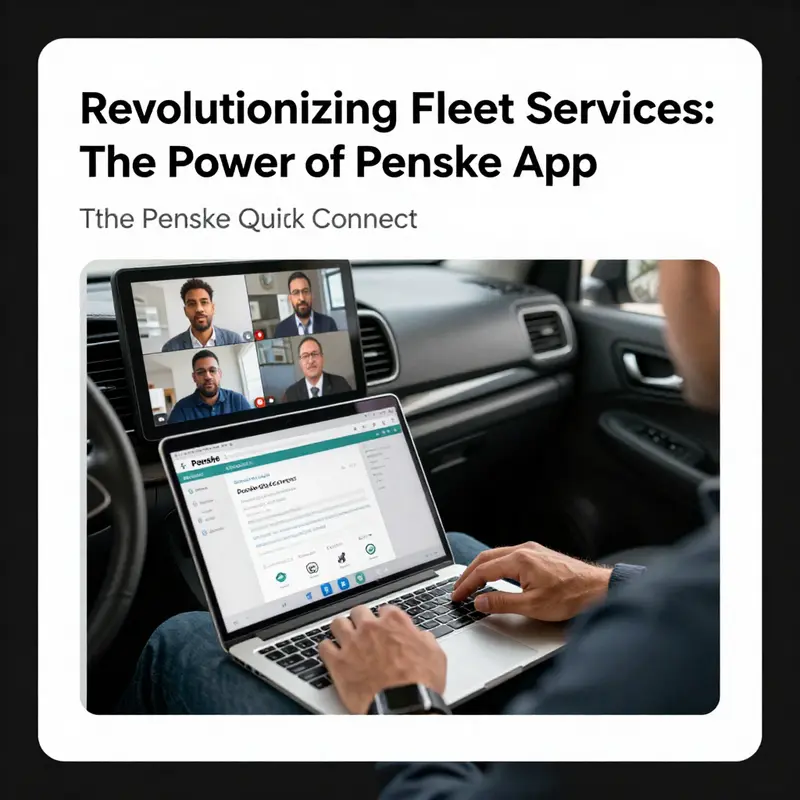
The modern rental truck ecosystem sits at the intersection of mobility, data, and human collaboration. Vehicles move across cities and regions with teams that coordinate engine data, telematics, safety devices, and driver guidance in real time. The most valuable advantage is not a single gadget but a capability: real-time, visually grounded collaboration that brings expert insight to the point of need. A fleet connected platform built around this capability changes how teams communicate, diagnose problems, and minimize downtime. It integrates with the driver s workflow rather than forcing a shift away from it, blending remote expertise with on board realities to produce faster resolutions, safer operations, and a clearer view of performance across the entire fleet.
A core behavior is real time assistance that feels almost as if a technician sits beside the driver, guiding a repair or a diagnostic step through merged reality. Instead of a collection of separate tools the platform weaves video, screen sharing, and live data into a single coherent experience. A technician can observe through the driver s device as if standing in the cab, annotate a screen or map, point out a fault code, or overlay instructions onto a live video feed. This changes cognitive load for both driver and technician and enables step by step guidance in the moment. The result is a dramatic decrease in back and forth and a higher likelihood that the right action is taken on the first attempt.
A key design principle is compatibility with the driver s existing toolkit. The platform is a seamless extension of the day to day routine, leveraging channels teams already know and augmenting them with a visually grounded layer. In practice, a driver with a rental vehicle can connect to a remote expert whose guidance appears within the driver s field of view, while the vehicle data streams keep both parties anchored to context. The integration with the driver s app aligns remote support with the driver s task list and preserves the continuity of the work day rather than interrupting it with a maze of separate steps.
The capability to integrate the system with the on board app also matters for safety and compliance. By linking the remote assistance layer to the driver s interface and the vehicle s telemetry, the platform helps maintain regulatory expectations while providing practical means to resolve issues quickly. When a fault or unusual gauge reading occurs, the technician can request a live view, annotate what to inspect next, or guide the driver through a safe, controlled diagnostic sequence. The driver can acknowledge each step and confirm outcomes with precise interactions, creating a feedback loop that reduces guesswork and speeds up troubleshooting while keeping both driver and fleet manager aligned around a real time picture of status.
For fleet managers the implications are transformative. The traditional reactive maintenance model gives way to a proactive, diagnostic led workflow. Diagnostics and expert input can occur without removing a vehicle from service. If a technician detects a potential issue on a remote screen, they can steer the driver through a preventive maintenance step before it becomes acute. This reduces downtime and extends usable life by catching issues early. It shifts the organizational posture from firefighting to predict and prevent, enabling better planning for parts, technician allocation, and service bays. The collaboration layer acts as a connective tissue linking technical specialists with the road team, ensuring decisions are data informed and context aware.
The platform s reach goes beyond troubleshooting. It becomes a catalyst for continuous learning and operational discipline. Recurring electrical sensor anomalies can be captured as patterns, with the remote expert guiding multiple drivers through identical inspections. Each resolved case becomes a learning module that can be surfaced to other teams. The practical payoff is a leaner, more educated workforce that can scale its competencies with the fleet. In this sense the system functions as both tool and knowledge repository where real world experiences feed best practices into living libraries of workflows, checks, and diagnostic templates that evolve with usage and vehicle variants.
The platform s cross device reliability is not merely a convenience; it is a strategic asset. Drivers rely on a spectrum of devices including phones, tablets, and in vehicle displays, each with its own ergonomics and connectivity realities. The ability to operate across devices ensures a consistent user experience under varying field conditions. It respects the realities of different work environments, from roadside pull offs to busy urban curbs where a workstation may be set up in the cab or at a roadside station. In any environment the system maintains a fluid edge: the same features, the same control surfaces, and the same visual cues, all adapted to the device in use and the driver s current task. The emphasis is on clarity and minimal cognitive friction, so the driver can focus on essential steps and the guidance from the expert remains legible and timely.
The compatibility story extends beyond driver and technician. Fleet managers, technicians, and drivers operate within a shared ecosystem that benefits from consistent metadata, synchronized alerts, and a language that supports diverse teams. The platform s multilingual support is practical in distributed fleets, reducing miscommunication and accelerating resolution. A robust security model ensures sensitive vehicle data and real time video streams are accessible only to authorized personnel, preserving privacy and reducing risk in high stakes operations. In short the platform is built to scale not just in numbers of vehicles or users but in the breadth of scenarios it can support.
Availability and ecosystem considerations round out adoption. The platform is designed to be accessible to a broad audience across the Apple ecosystem including smartphones, tablets, watches, and other devices that may enter the workflow. This broad compatibility matters because field operations rely on devices people already own. A consistent experience across platforms reduces training time and accelerates value. It supports rapid iterations that modern fleets require; updates can be delivered and absorbed with minimal disruption. Any system also depends on governance and change management. Rollout plans risk assessments and clear onboarding playbooks help ensure a steady transition to a more connected workflow, supported by budgets for equipment and training for every role involved.
Looking ahead the future is less about a single feature set and more about expanding ways teams collaborate around health, safety, and performance. Expect deeper diagnostics that interpret vehicle data in real time and suggest targeted actions. Expect richer visualizations that translate telemetry into actionable guidance for drivers who may not be engineers. Expect more seamless integration with training ecosystems so lessons learned from difficult repairs feed standard procedures and guided checklists. And as the digital fabric of transportation tightens expect stronger security and more granular access controls to capture who did what and when within a support session. The trajectory is: a connected, informed, and adaptive fleet where remote expertise is a proactive capability that keeps vehicles on the road and customers satisfied.
In practice a typical day might begin with a driver finishing a task and receiving a diagnostic alert that suggests a sensor drift. The on board app prompts the driver to initiate a remote session with a technician. The technician sees a live view of the engine compartment, overlays notes onto the video feed, and guides the driver through verification steps that confirm readings and safe shutdown procedures. If the issue proves minor a quick reset and calibration can restore normal operation. If more serious the technician can capture a diagnostic and coordinate an on site service visit with minimal downtime. Throughout the process the fleet manager tracks the incident in a shared dashboard, updates preventive maintenance schedules, and allocates parts from inventory while ensuring the driver remains focused on the task and customer commitments stay on track.
For readers seeking broader context a companion perspective from roadside providers and fleet knowledge can be useful. The shared narrative around roadside services and remote support underscores how this technology complements rather than replaces the core competence of hands on technicians and drivers. It emphasizes that the value lies not in replacing people but in arming them with better tools and more precise information where it matters most. If you are exploring how such a platform might fit your operations consider the behavioral shifts it encourages: clearer communication, earlier intervention, a transparent service timeline for customers, and a culture of continuous improvement where every remote session adds to a living knowledge base.
In the end the promise of a merged reality collaboration platform for fleet operations is to knit together people, devices, data, and processes into a single rhythm. It respects the realities of field work while elevating precision with which problems are solved. It supports the driver by reducing cognitive load and friction, enhances the technician s effectiveness by providing immediate contextual information, and gives fleet managers a clearer, more actionable window into day to day operations. It turns maintenance from episodic events into a continuous, data informed practice and does so with security and user experience that keep pace with evolving needs of mobile, customer focused, digitally enabled logistics ecosystems.
Final thoughts
Leveraging Penske applications can significantly boost operational efficiency for business owners in fleet and logistics management. The Penske Service App enhances roadside assistance operations, ensuring technicians have the tools to provide timely help. The Penske Truck Rental App simplifies the vehicle rental process, letting users access essential services at their fingertips. Meanwhile, the Penske Quick Connect fosters effective communication and collaboration within teams, making fleet management seamless and efficient. As businesses increasingly rely on technology, integrating these tools can lead to improved service delivery and customer satisfaction.